Timezones and org-caldav
If you, like me …
- … use the Nextcloud calendar app to syncronize your calendar across devices,
- … like to manage your calendar within Emacs,
- … spend considerable part of the year in different timezones …
… I have great news for you: after years of trial and error, I think I have finally found a workable set-up.
To begin with, this set-up builds upon org-caldav, and the org-agenda. As it turns out, this combo works great in combination with Nextcloud, but there are a couple of tricks that are not mentioned in the documentation.
Trick 1:
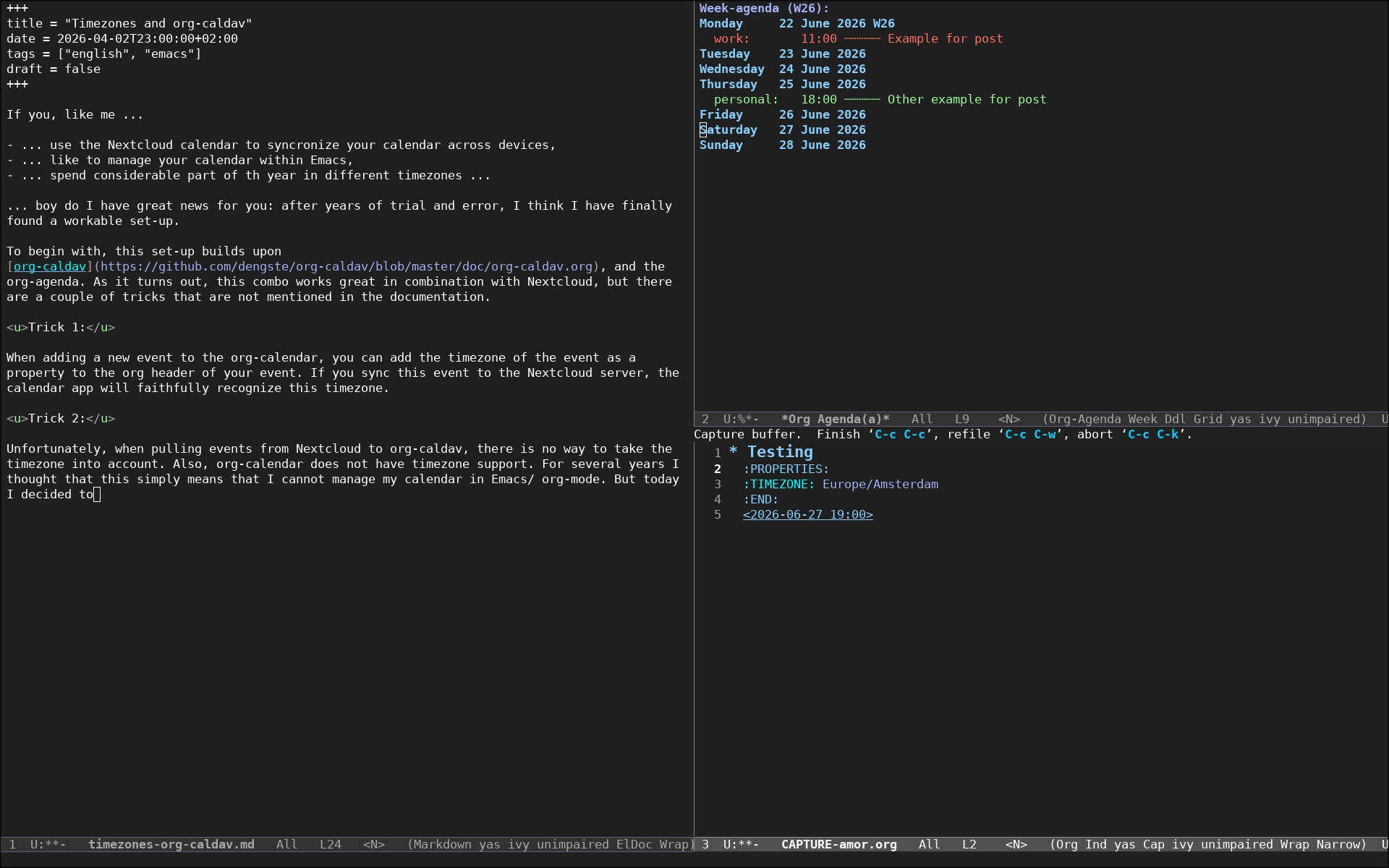
When adding a new event to the org-calendar, you can add the timezone of the event as a property to the org header of your event. If you sync this event to the Nextcloud server, the calendar app will faithfully recognize this timezone.
Trick 2:
Although org-caldav has no issue informing the Nextcloud server of the timezone org property of any pushed event (org-calendar –> Nextcloud), it does not recognize any timezone data from any event that is pulled from the Nextcloud server to the org-calendar (Nextcloud –> org-calendar).
Also, org-calendar (and org in general) does not have proper timezone support.
For several years I thought that this simply means that I cannot manage my calendar in Emacs/ org-mode. But today I decided to “re-open the case”. And I think I solved it.
As it turns out, when pulling new events from the Nextcloud server with org-caldav, it adjusts the time to the timezone of the device.
So let’s say I have an event saved in the Nextcloud server at 10:00h Colombian time. If I pull this event with org-caldav to my laptop, and my laptop is set to the Amsterdam timezone (summer time), it will pull the time as 17:00h. If I would do the same while my laptop is set to Colombian timezone, it will pull the time as 10:00h.
This means that two simple rules will make this set-up workable:
- Whenever I switch timezones, I need to “re-sync from scratch” all events from the Nextcloud server to my laptop.
- When adding new events with org-calendar, always use the active/ current timezone of the device.
Following these two simple rules should be enough to have a timezone consistent org-agenda, properly synced across devices by Nextcloud.
True happiness.
Comments
You can use your Fediverse (i.e. Mastodon, among many others) account to reply to this post/account.